

Under the Users tab, click on the ‘Writers’ option. Once you do, you can view a list of all the writers. The writers tab is further split into three categories:
- User profile
- Work tally
- My Journey
User Profile offers fields like name, quality, category, etc., where you can divide your talent pool according to skill. This makes it easier to assign work to writers as well. You can also get all information about a specific writer, like user profile, progress reports, work tally, etc, by clicking on their name.
You can keep tabs on the live work tally of the writer, with a detailed report on the assigned task status in a table format.
Lastly, the ‘My Journey’ tab essentially summarizes all the work you have done to date in the company. It includes sections like the number of days worked, projects completed, success rate, tasks completed, etc.
The tab includes live progress bars, which shows how far the writer has worked on their monthly quantum. Lastly, it includes a success rate graph that offers a view through the monthly, quarterly, and yearly time frames.



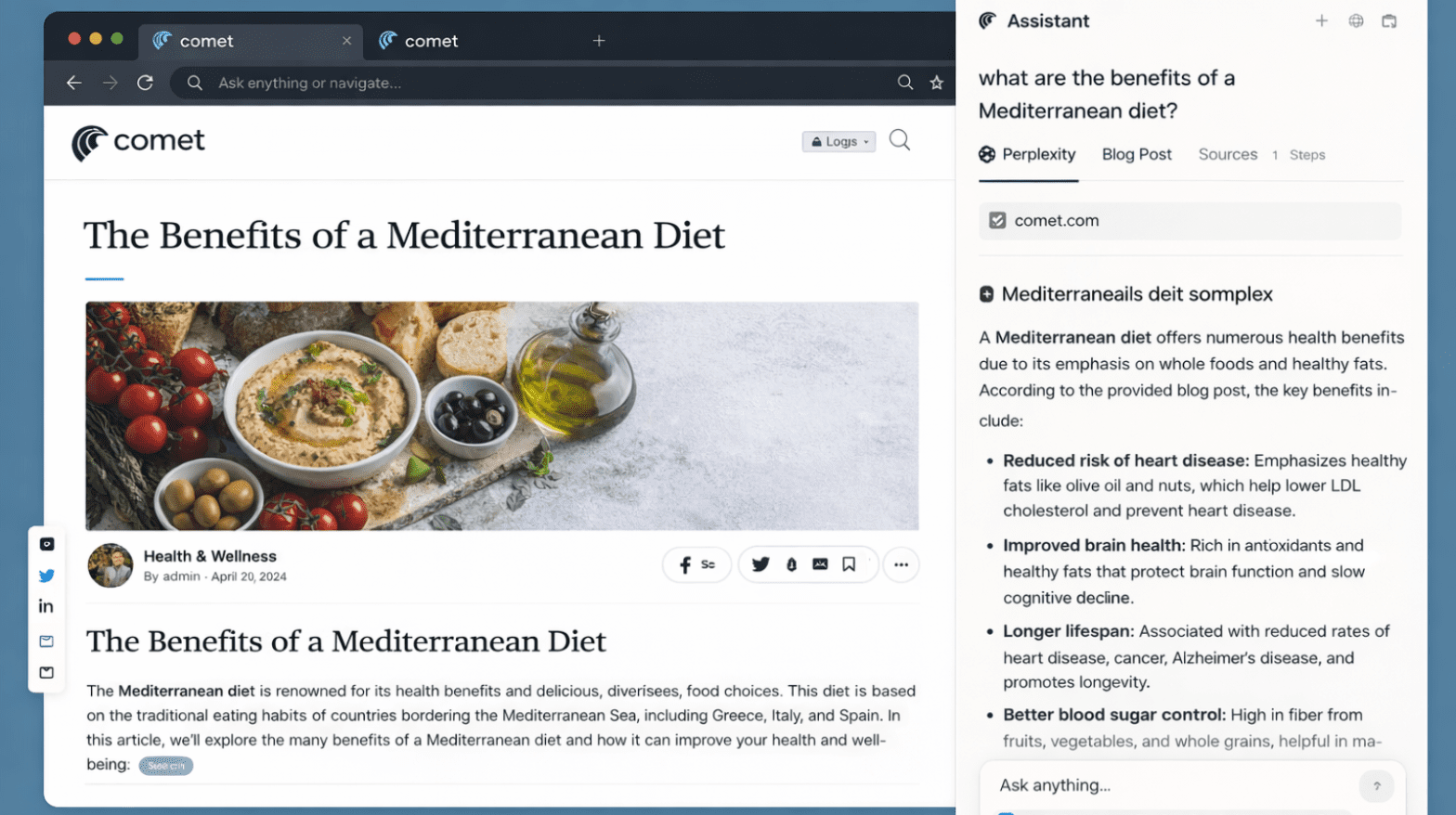

































































5 Productivity Workflows You Can Unlock with Comet’s AI Sidebar & Agent Model
24 Feb 2026 | By Varsha SinhaComet’s AI Sidebar analyzes while the Agent executes with approval. Use these five workflows to turn research into results- fast, citable, and policy-safe.
Perplexity Comet Search Optimization (PCSO): The New SEO Frontier
20 Feb 2026 | By Nishtha SharmaPerplexity Comet Search Optimization is about getting AI citations, not rankings. If your content is not well-structured, Comet won’t show your brand in search.
5 Reasons Why ChatGPT Atlas Could Replace Your Search Engine
19 Feb 2026 | By Tanisha DeyChatGPT Atlas can replace your search engine: 1. You get answers beside the page 2. You go from query to done 3. You keep a better focus