Key facts:
- Launch date: October 21, 2025 - macOS public release (Windows and mobile coming soon).
- Built-in AI: ChatGPT (GPT-5) powers the browser natively; no extensions needed.
- Agent Mode: Currently in preview - it can complete multi-step web tasks automatically.
- Privacy-first: Data isn’t used for model training unless you opt in.
- Architecture: Runs on a new “OWL” system, keeping the browser fast even with heavy AI tasks.
- Market context: Arrived the same month as Perplexity’s Comet browser, signaling the start of the AI browser era.
You’ve been there: juggling ten tabs, chasing a single number for a slide deck. One’s a broken link, another’s behind a paywall, and your notes look like ransom letters. Research shouldn’t feel like this much work.
Meet ChatGPT Atlas. Not another shiny AI toy, but a browser that actually thinks with you, pulling context, citations, and next steps right beside the page. Since launching in October 2025, it’s quietly changing how marketers and founders handle everyday research.
So if you are tired of the constant chaos, read on.
What ChatGPT Atlas actually is
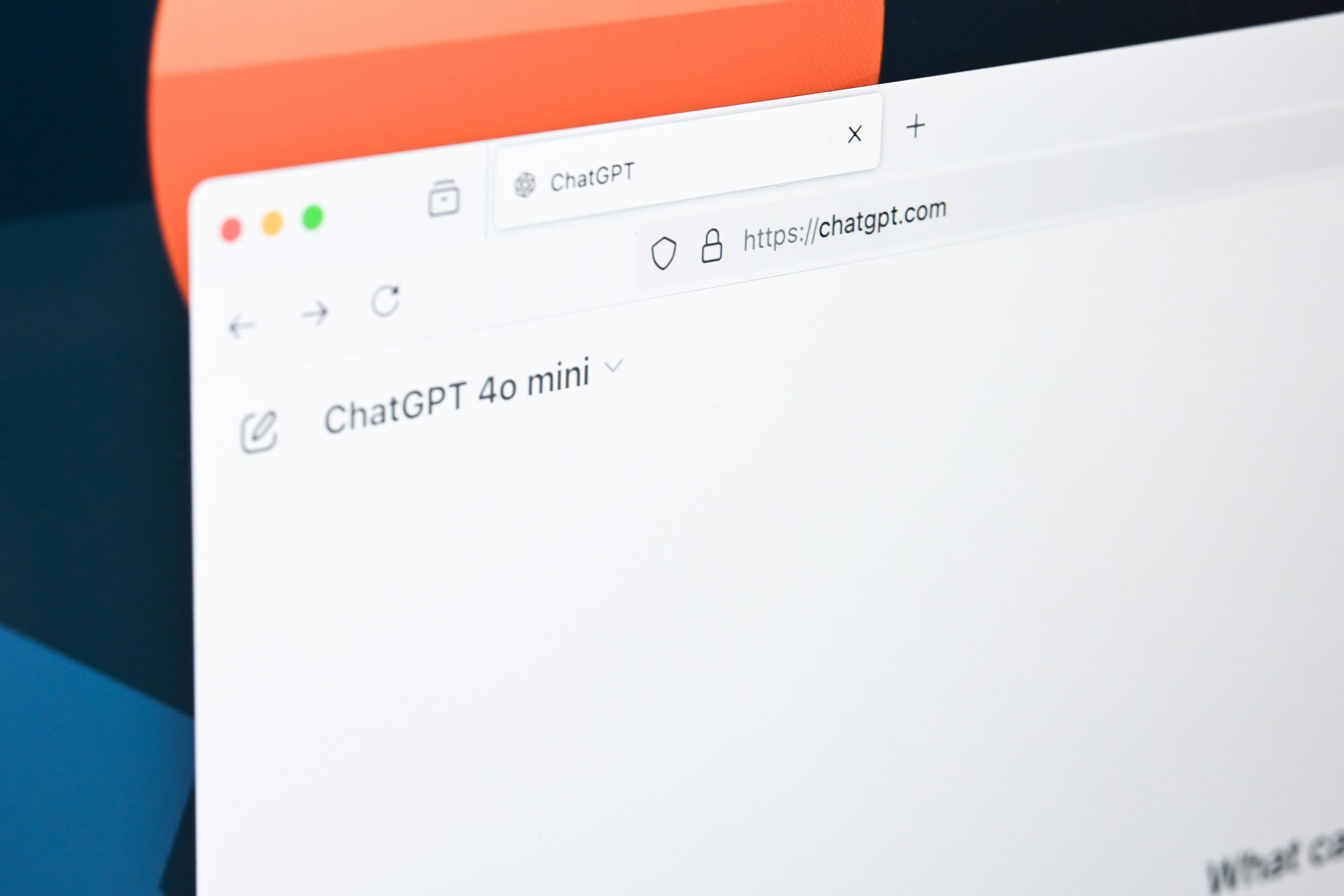
Before you start thinking “another AI app,” here’s the deal - Atlas isn’t an extension or plugin. It’s a full browser built by OpenAI, launched in October 2025, designed around ChatGPT itself.
It’s like Chrome or Safari, but with ChatGPT baked into every tab. You can ask it questions about the page you’re on, summarize reports, compare data, or even complete multi-step tasks, all without switching windows.
It’s built for people who live inside research: marketers, founders, analysts, strategists. Instead of searching, skimming, and copy-pasting, you just ask, and Atlas handles the grunt work right beside your content.
5 reasons why it’s time to switch to Atlas
You might still not be sold that this is the future, and that’s okay. I get it. Change feels unnecessary until you see what it fixes.
So let me show you.
1) You get answers beside the page
We’ve all been there: you’re reading a PDF or report, and one paragraph doesn’t make sense. So you open Google, 10 tabs later, you’re still chasing that one meaning. With Atlas, you highlight a paragraph, ask, “Summarize this section,” and get a cited answer right beside the page.
No bouncing between tabs, no notes scattered across Docs. It turns reading into action. For anyone building briefs or decks, that’s time saved and context kept.
2) You can go from query to done
Chrome gives you links. Atlas finishes the job. With Agent Mode, you can type: “Find five enterprise CRM case studies, note their pricing models, and create a summary table.”
Atlas actually performs those steps: visiting pages, extracting data, and giving you something usable. It’s early days, but it’s already cutting hours off research cycles.
3) You won’t crash your focus
Atlas runs on OpenAI’s new OWL architecture, which keeps it light even with multiple tabs and background AI tasks. In plain English: it’s fast. Chrome drags the moment you open your fifteenth tab. Atlas stays responsive because it separates its AI layer from the browser core.
For anyone multitasking through reports, dashboards, and email, that smoothness matters more than you think.
4) You can defend your research
No one believes marketing unless they see that cited source. Atlas has that in-built. Every answer comes with a source link, so when Legal or the CMO asks, “Where’s this from?”, you’ve got proof.
You can export summaries with citations intact. For teams in regulated sectors or privacy-conscious markets like the UK, UAE, or India, that’s credibility and compliance baked in.
5) You’re joining the next big shift
The AI-browser market is projected to grow from USD 4.5 billion in 2024 to USD 76.8 billion by 2034 - that’s a 32.8% annual growth rate.
So, yes, this shift is already happening rapidly. Every month, more professionals are trading traditional search for AI-assisted browsers that read, summarize, and act on their behalf. If you’re not experimenting with tools like ChatGPT Atlas now, you’re not just behind; you’re losing time, attention, and efficiency that competitors are already capturing.
How to get ahead, practically
Start small. Pilot ChatGPT Atlas for two weeks. Set one goal - faster research, cleaner briefs, or better citations. Codify repeatable prompts and track how much time you save per deliverable. If Atlas beats your current stack, scale it across your team. If not, you’ll still leave with sharper workflows and smarter systems.
The shift to AI browsers is no longer theoretical. It’s already changing how marketers read, write, and plan. The sooner you test it, the sooner you’ll know where you stand.
Want first-mover visibility? Book a consult with WrittenlyHub
FAQs on ChatGPT Atlas
Is Atlas ChatGPT free?
The Atlas browser is free on macOS; Agent Mode and pro features are available in paid tiers.
Is ChatGPT Atlas only for Mac?
For now, yes. Windows, iOS, and Android are “coming soon.”
Is Atlas better than ChatGPT?
They’re different. Atlas is a browser that integrates ChatGPT. It’s better for on-page research; ChatGPT alone is best for pure chat.