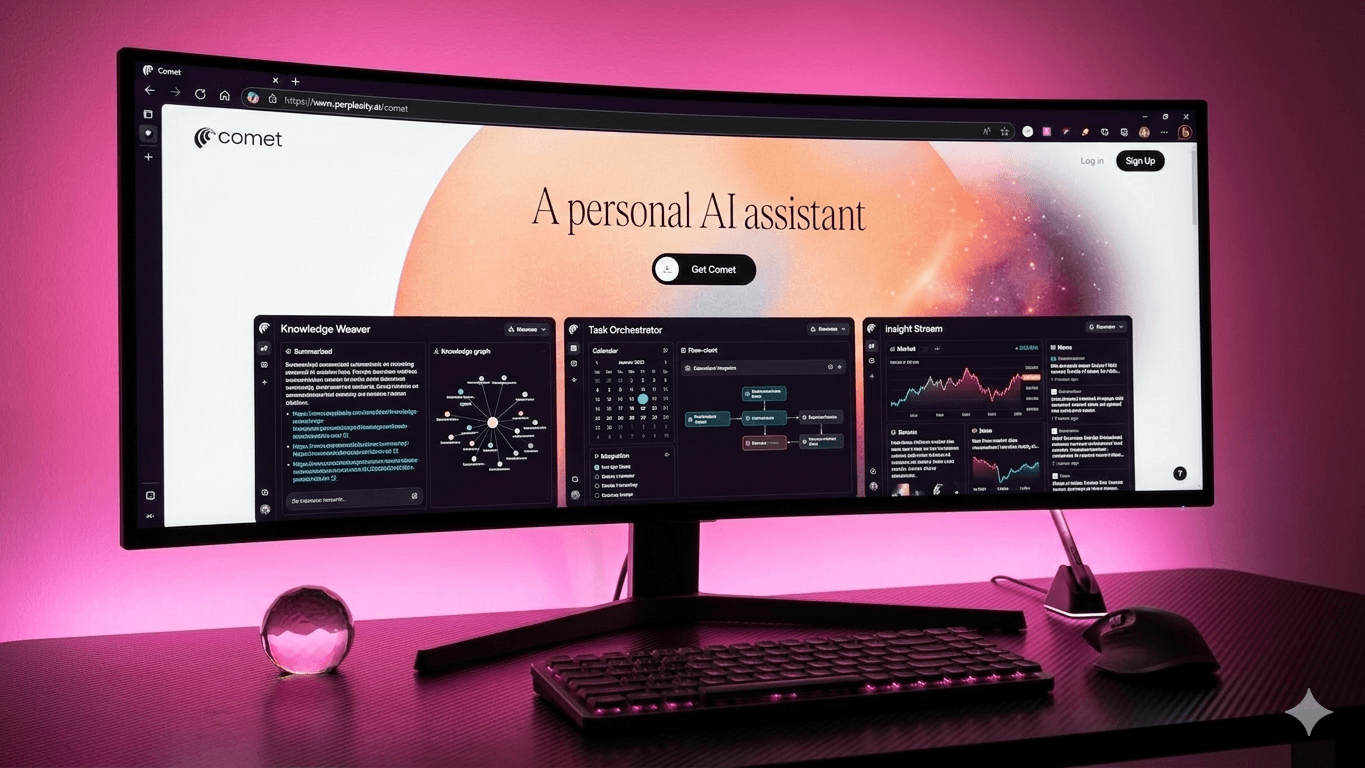
Your teams don’t fail to find information; they fail to turn it into decisions, drafts, and meetings without getting lost in tabs. The old model- search, skim, copy, paste, repeat creates lag and invites mistakes.
The new crop of browsers attack that gap from different angles. ChatGPT Atlas and Perplexity Comet bring a page-aware assistant and a confirm-first agent into the frame, so reading can flow directly into action.
Arc rethinks the workspace itself, reducing noise and context switching. Chrome remains the managed baseline with deep policy control. The question isn’t “which is coolest,” it’s which one matches your bottleneck and governance needs. This blog compares Atlas vs. Comet vs. Arc vs. Chrome including their stakes, the four bets, and when to use each.
Key facts:
- Atlas launch: Oct 21, 2025- page-aware ChatGPT sidebar + Agent mode (macOS first).
- Comet: Jul 9, 2025 launch; free for everyone since Oct 2, 2025; Chromium-based, supports most Chrome extensions.
- Arc: Spaces, Profiles, Split View; Arc Search adds “Browse for Me.”
- Chrome: market-leading enterprise policies and extension governance.
Atlas vs. Comet vs. Arc vs. Chrome: How they actually differ
Traditional browsers render pages and leave integration work to you. Atlas and Comet read what’s on screen, synthesize with citations, then, only if you approve- draft a reply, propose times, or complete a form.
Arc doesn’t chase agents; it reorganizes your web life so projects stay separate and comparisons happen side-by-side.
Chrome doesn’t try to be clever; it prioritizes speed, compatibility, and the controls IT trusts. Once you see those wagers clearly- answers, actions, organization, governance, the selection becomes far less subjective.
Atlas: Answers that become steps
Atlas embeds ChatGPT in a persistent sidebar tied to the current page. You can ask for a two-paragraph summary with sources, extract key numbers, and then allow Agent mode to draft an email or place a calendar hold.
For PR and partnerships, that means a press page can become a cited response and a scheduled call without hopping tools. The incentive for content teams is similar: well-structured pages with dated claims and nearby primary links are more likely to be quoted inside Atlas’s answers.
- Pros: Native assistant; citation-friendly outputs; confirm-first actions from context.
- Cons: Early enterprise posture; Windows/mobile timing matters for fleet rollouts.
- Best for: Outreach and comms pods where “read → reply → schedule” is the grind.
Comet: Completion over tab count
Comet rides Chromium, so password managers, SEO suites, and note-takers keep working, and one-click import brings bookmarks, history, and passwords with you. The Sidebar Assistant summarizes reports, extracts entities, and composes vendor matrices; the Agent sends the brief or proposed times after you approve.
Shortcuts like /tldr or /vendor-matrix turn multi-step prompts into reusable SOPs, so junior and senior analysts deliver the same shaped output. Because Comet has been free for everyone since Oct 2, 2025, you can pilot research and content pods without procurement detours.
- Pros: Zero-license entry; strong extension parity; email/calendar steps; built-in ad/track blocking and privacy toggles.
- Cons: Requires clear rules for where agents may act (especially on finance/legal systems).
- Best for: Research and editorial teams that need reproducible, citable briefs at speed.
[Link to: "How to Download and Set Up Perplexity Comet on Your Desktop or Mobile"]
Arc: Structure for scattered days
Arc is opinionated about how you work. Spaces keep projects neatly separated, so a product launch doesn’t collide with a hiring sprint. Profiles isolate accounts and cookies, quietly reducing errors you’d otherwise chase down.
Split View makes side-by-side reading feel natural instead of tedious, and Arc Search on mobile can whip up a quick “Browse for Me” summary when you’re away from your desk.
There’s no native agent yet, but the calmer, more structured canvas makes synthesis less brittle. When you do need drafting, research, or citation support, you can simply pair Arc with your preferred AI tools.
- Pros: Fewer context switches; cleaner project boundaries; built-in side-by-side analysis.
- Cons: No integrated action layer- you’ll rely on external assistants.
- Best for: Editors, PMs, and designers drowning in open tabs and mixed contexts.
Chrome: Control at scale
Chrome is the dependable workhorse with the richest enterprise policy surface. Admins can enforce extension allowlists, lock versions, manage site permissions, and audit activity across fleets. If you run regulated operations or shared devices, that predictability is worth more than any new UI flourish.
You can add AI via extensions or companion apps, but Chrome won’t try to orchestrate actions by itself- and for many organizations, that’s a feature, not a bug.
- Pros: Policy depth; performance; universal support.
- Cons: No native assistant/agent; workflows rely on add-ons.
- Best for: Company-wide default while AI browsers pilot in selected pods.
Choose what unblocks you
Choices get easier when you name the slowdown. Is your team stuck synthesizing sources, acting on what they just read, taming tab chaos, or meeting IT’s rules? Match the need to the right browser, then pilot it with one team for two weeks. Here’s a quick guide to pick your path:
- Need answers and citations? Atlas or Comet. Both produce quotable lines with sources directly beside the page.
- Need execution from context? Atlas or Comet. Approve replies, holds, and form fills without bouncing apps.
- Need order and focus? Arc. Spaces, Profiles, and Split View reduce mental overhead.
- Need airtight governance? Chrome. Keep it as the default; layer AI browsers where metrics justify it.
Migration, data, and risk
Changing browsers fails when the first week feels foreign. Comet and Arc preserve muscle memory because they’re Chromium-based and support most Chrome extensions; their import flows carry over bookmarks, history, and passwords in minutes. Atlas is moving quickly but remains macOS-first as of late 2025.
On privacy, Atlas exposes data controls and optional “memories,” Comet ships ad/track blocking and clear toggles in Settings, Arc’s Profiles limit cross-context leakage, and Chrome offers the most mature admin policies.
Agent browsers also introduce indirect prompt-injection and screenshot-based risks. The realistic mitigation is process: keep human approval for sensitive actions, restrict agent autonomy on finance/legal systems, publish an AI-safety page with redaction rules, and run quarterly training.
Final thoughts
There isn’t a single “next-gen browser.” There are four credible strategies for closing the gap between reading and results. Atlas is ideal when you want answers that turn into actions without leaving the page. Comet favors completion while preserving Chrome habits and extension stacks. Arc calms the chaos so complex work stays organized.
Chrome remains the anchor that enterprises can manage at scale. Start where the pain is sharpest, measure time-to-action and citations earned, and promote the winner from pilot to standard.
Want to stay visible as AI browsers rewrite search? Partner with WrittenlyHub, a full-stack marketing team that’s helped 30+ brands lead in AI overviews and LLM-generated results.
FAQs on Atlas vs. Comet vs. Arc vs. Chrome
Is Atlas available beyond macOS?
MacOS is live; Windows and mobile are slated to follow. (Accessed: 31 Oct 2025.)
Is Comet truly free to use?
Yes, free for everyone since Oct 2, 2025; an optional Plus tier exists.
Do Arc and Comet support my extensions?
Yes, both are Chromium-based and work with most Chrome extensions.
Why keep Chrome as the default?
It delivers unmatched enterprise policy and extension governance at fleet scale.