Key facts:
- Launched July 9, 2025; agentic assistant in sidebar.
- Free for all users since October 2, 2025; Comet Plus $5/mo.
- Built on Chromium with an Assistant + Agent model for smarter browsing.
- Runs most Chrome extensions and imports data in one click.
- Ad/tracker blocker and opt-in sync for clean, controlled browsing.
- Shrinks the gap between research and action-ideal for fast-moving pods.
You don't need more tabs. You need completion. I've watched teams drown in open-scan-copy-paste loops while the actual work- briefs, emails, and decisions are kept on hold.
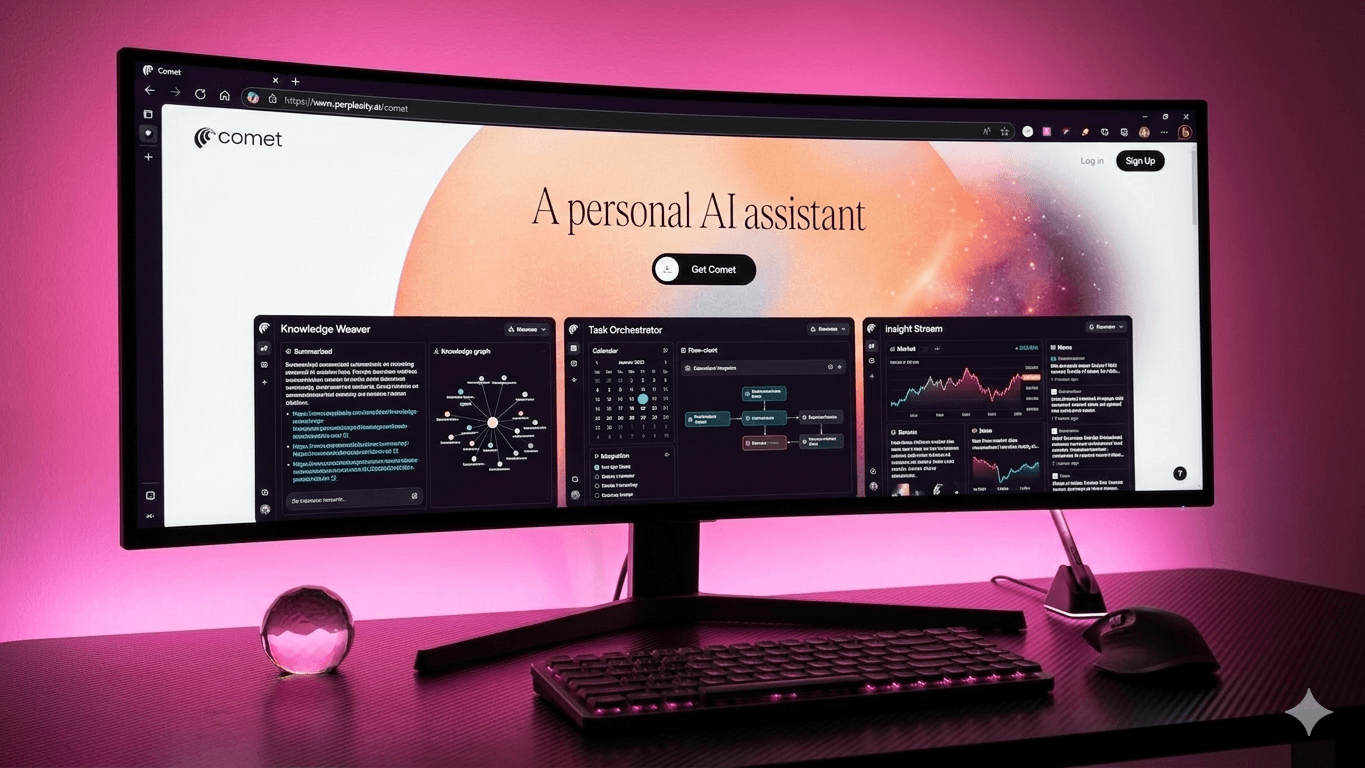
Comet Browser launched on July 9, 2025, and went free on October 2, 2025. It keeps your Chromium habits and extensions intact, adds a live AI assistant that reads, summarizes, compares, drafts, and books- right on the page. If your team wastes hours bouncing between research and action, this is a tool worth trying out.
What is Comet browser?
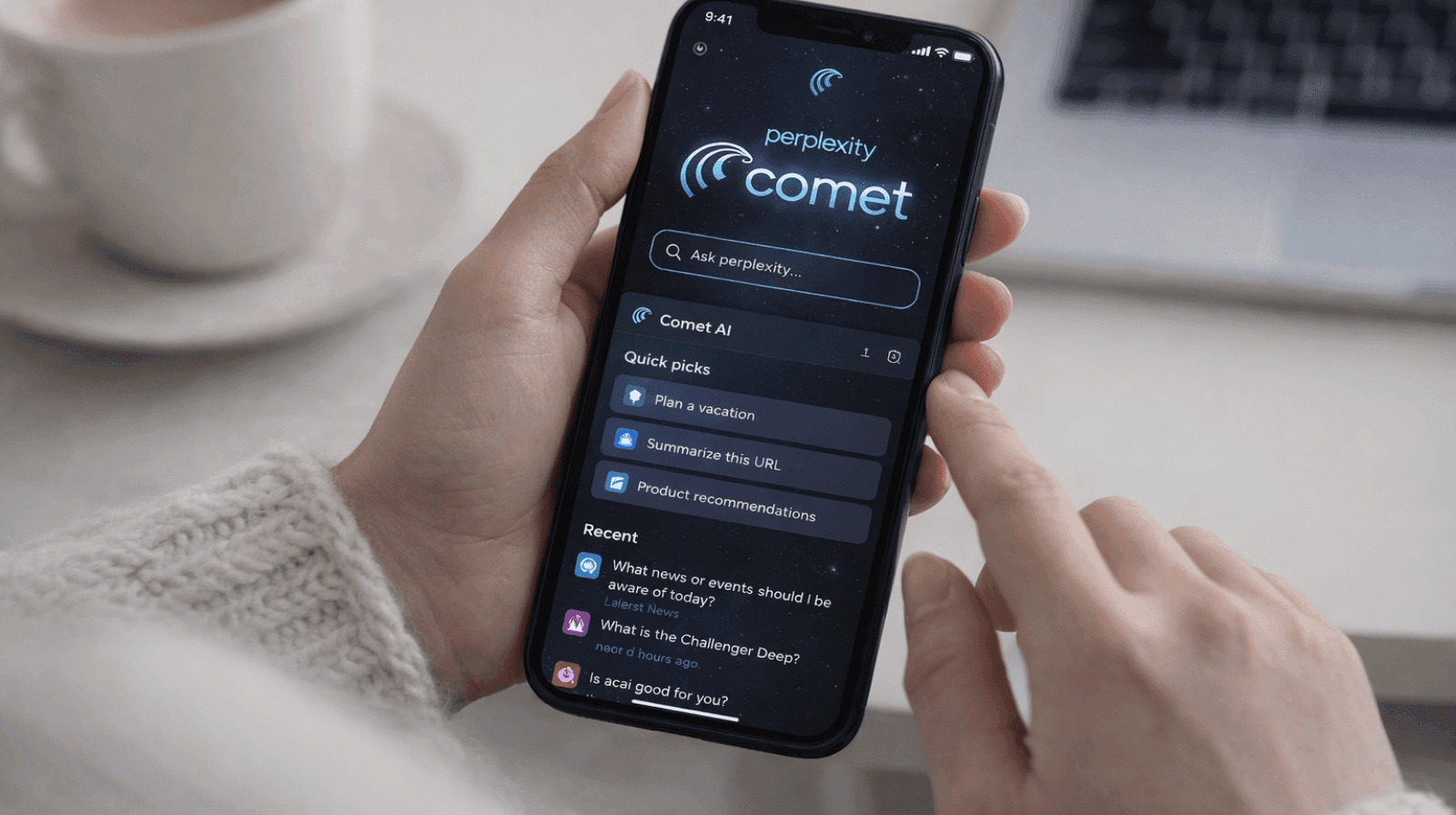
Comet is Perplexity’s AI browser, built on Chromium, not the Chrome browser. It feels instantly familiar and supports your favorite Chrome extensions. Under the hood, it runs Chromium’s engine. On top, it adds an AI sidebar (Assistant) and agentic actions that summarize, compare, email, schedule, and even buy- with your approval.
Here’s how that setup fits into real workflows:
1. Built for intent and completion
Think in outcomes, not links. Comet turns “find X, compare Y, email Z” into a single in-page flow. It reads the live page, drafts next steps, and asks for approval before acting. That closes the gap between research and action- perfect for pods managing briefs, vendors, and constant context shifts.
2. One view instead of tab sprawl
The AI sidebar (open it with the Assistant icon or Alt+A) is your live workspace. Ask something like, “Compare three ultralight laptops under ₹1.5 lakh,” and Comet gets to work. It scans listings, pulls specs, and delivers a clean, one-page brief you can copy, export, or email- no juggling 20 tabs.
3. Smooth Chrome migration
Importing from Chrome is fast and forgiving. The Quick Start guide walks you through one-click import of bookmarks, passwords, history, preferences, and even extensions. You can do it during setup or later via Settings → Import. New users will find the process intuitive and straightforward.
4. Chrome extension compatibility
Because Comet runs on Chromium, most Chrome extensions just work. Install them straight from the Chrome Web Store and manage everything in Comet’s extensions settings. Your existing stack- password managers, SEO tools, note-takers stay intact, so there’s no retraining or lost workflow.
5. AI sidebar that actually helps
The AI sidebar is context-aware that summarises the page you’re on, fetches sources, compares options, or drafts emails directly from what you’re viewing.
Open the sidebar with the Assistant icon (top-right) and start typing-it becomes an interactive workspace for real-time queries and follow-ups. Shortcuts like Alt+S deliver instant page summaries.
6. Page summarization
One of Comet’s standout features is its built-in page summarization. Click the three horizontal lines next to the Assistant icon, and it instantly generates a short summary of the page you’re viewing. It’s perfect for grasping key points without reading the full content, fitting into Comet’s goal of efficient browsing.
7. Agents, shortcuts, and repeatability
Comet separates analysis (Assistant) from execution (Agents). You can save shortcuts- reusable, multi-step prompts that are like mini-GPTs with keyboard shortcuts, triggered with a “/”.
Here are some examples:
- Content strategy analyzer: crawl five competitor blogs, cluster topics, surface gaps.
- News concierge: track entities, summarize with links, flag angles by date.
- Brand voice QA: scan drafts against style rules before sending.
8. Practical privacy + ad blocking
You can browse without signing in, and syncing is entirely opt-in. Comet gives granular controls for deleting history and cookies. A built-in ad and tracker blocker (Settings → Privacy → Ad block) isn’t for power users, but it significantly cuts noise and third-party calls on popular sites.
The bottom line
Here's what I'd do. Start with a 30-day pilot in your research, content, and partnerships pods-the teams that live between tabs. Track two metrics: time from query to first draft, and email threads that convert to scheduled meetings.
If you see 20–30% time savings and fewer dropped balls, expand to sales with simple rules to keep things controlled. Comet browser shrinks the distance between intent and outcome.
Switching to Comet Browser is just step one. If your content doesn't convert when AI browsers surface it, you're leaving revenue on the table. Reach out to WrittenlyHub to ensure your pages are set up to convert in Comet and every AI search engine. Start optimizing today!
FAQs
1. Is Comet Browser free now?
Yes, Comet has been free to download and use for all users since October 2, 2025.
2. Does it support Chrome extensions?
Yes, Comet is Chromium-based and supports most Chrome extensions.
3. Can it email and book meetings?
Yes, the agent can draft emails and schedule meetings from the sidebar with approval.
4. Where’s ad blocking in settings?
Settings → Privacy → Ad block enables Comet’s built-in ad/track blocking.