Key facts:
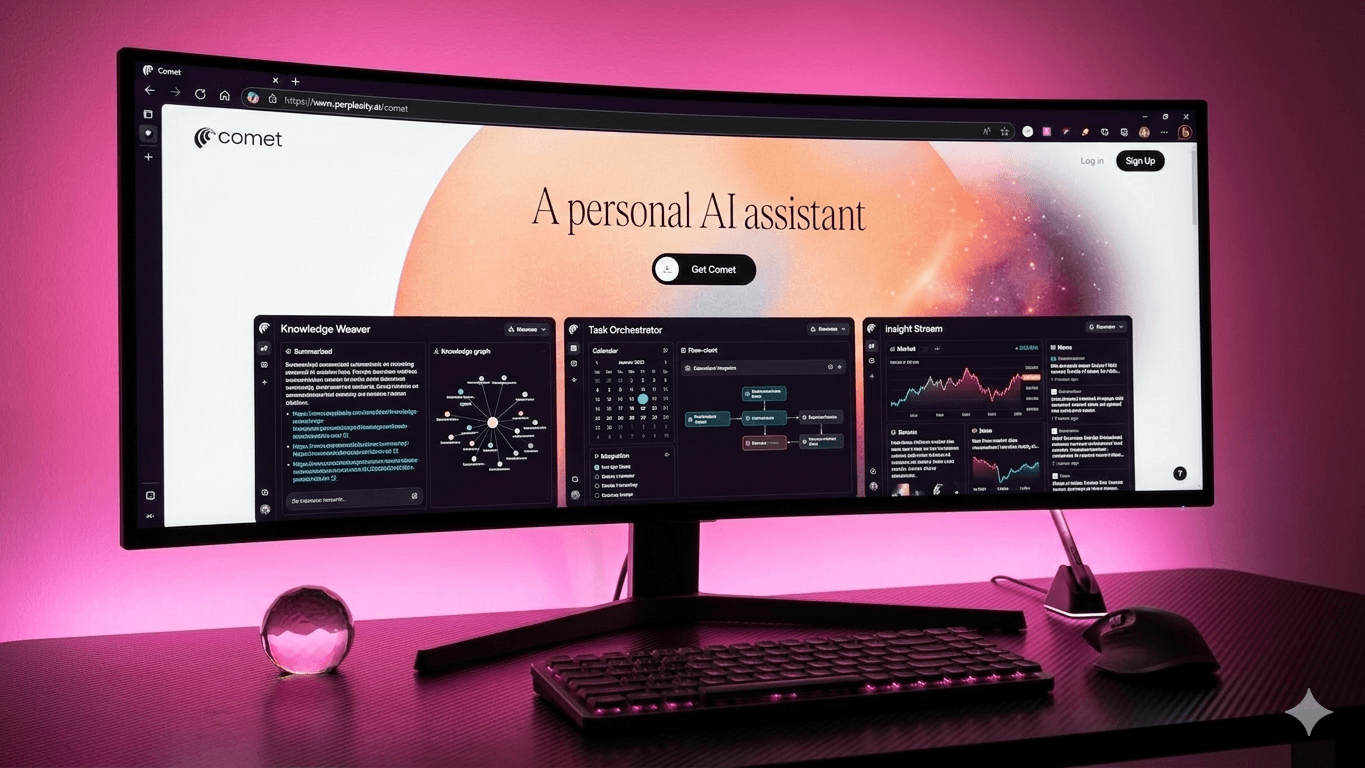
- Launch: July 9, 2025; AI-native browser with a sidebar assistant. (Accessed: 28 Oct 2025.)
- Free for everyone since October 2, 2025; Windows and Mac available.
- Chromium-based with support for most Chrome extensions
- Assistant vs Agent model documented in Comet’s resource hub. (Accessed: 28 Oct 2025.)
- Security: prompt-injection risks disclosed Aug 20 and Oct 21, 2025; use approvals.
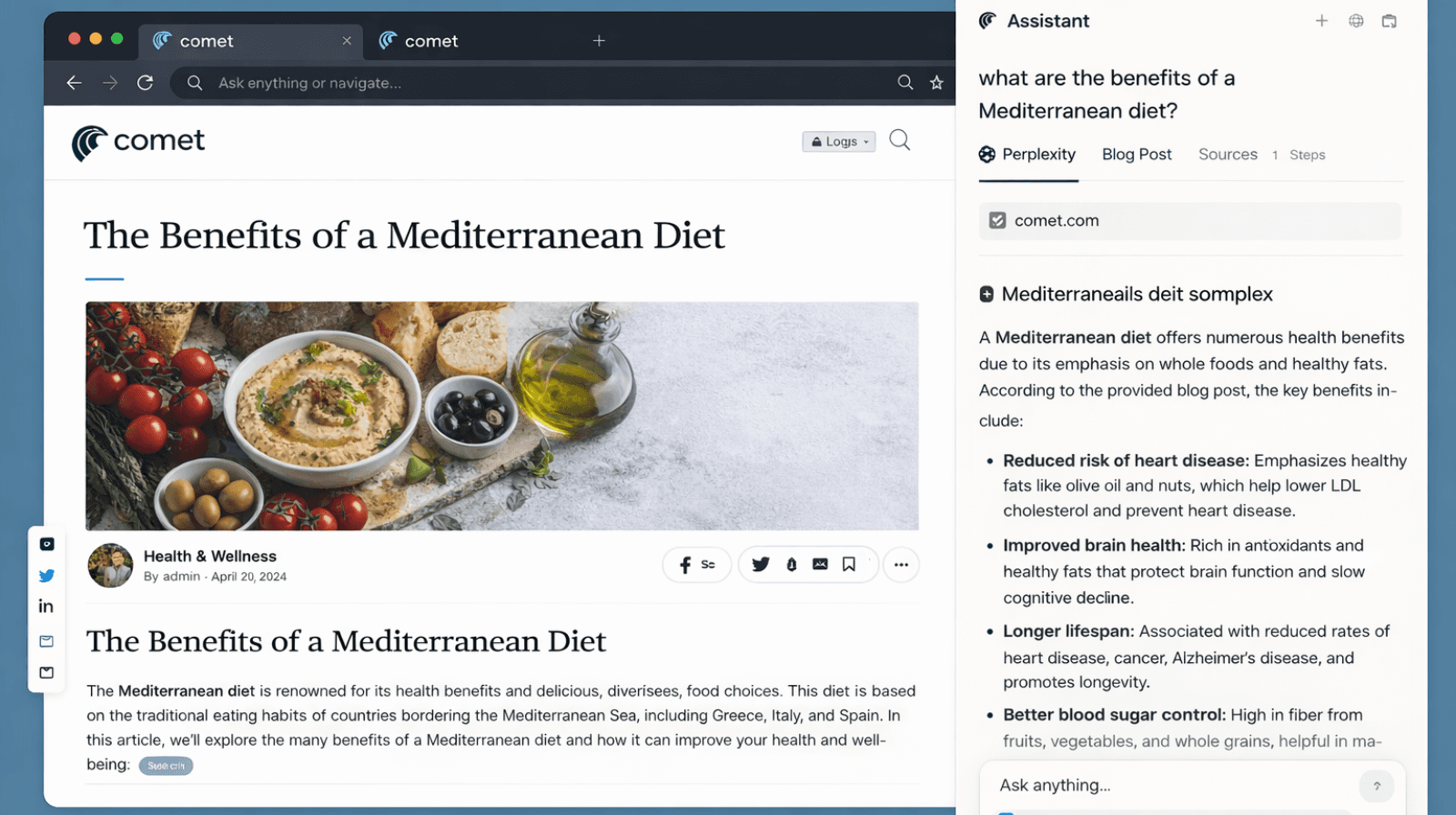
You don’t lose time searching. You lose it between “found it” and “sent it.” Tabs pile up, drafts stall, and handoffs disappear into inboxes. Perplexity’s Comet Browser closes that gap with a split model: a page-aware Sidebar Assistant that reads, summarizes, and compares, and an Agent that executes form fills to emails and scheduling- only after you approve.
It keeps everything you know from Chrome- the look, the feel, the extensions, but adds momentum- that turns browsing into progress.
This blog explores five practical workflows that show how Comet’s Assistant and Agent model can transform your daily productivity- from research to outreach.
1. Research brief in one pass
Open any long source, like a report, RFP, or investor note. Click Summarize in the top-right, then prompt the Comet AI Sidebar: “Extract claims, dates, metrics, and sources; return a two-section outline plus five quotes.”
Save it as a reusable team Shortcut (/tldr) so every brief follows the same structure.
When it’s ready, approve the Agent to send the summary straight to your team channel. The comet AI Sidebar handles the reading and extraction; the Agent takes care of the delivery, with you still in control.
2. Vendor comparison without tab sprawl
Comparing products usually means juggling specs across ten tabs, screenshots, and half-finished spreadsheets. Comet simplifies that entire loop.
Ask the Sidebar: “Compare three ultralight laptops under ₹1.5 lakh. Normalize CPU, RAM, weight, and battery. Add two credible review quotes. Rank by constraints.”
In seconds, it compiles specs, sources, and reviews into a clean matrix you can paste or share. Save it as a reusable Shortcut (/vendor-matrix) to auto-adapt for US, UK, or UAE price bands.
Once done, approve the Agent to draft the decision email- table included, so research turns into ready-to-send communication.
3. Inbox to scheduled, right from the page
While viewing a partner page or email thread, tell the Sidebar: “Draft a 110-word reply proposing three windows next week.” Review the draft, then approve the Agent to send and place a calendar hold based on availability.
Comet confirms every action in-line, where you see the email, the schedule, and the approval prompt before anything goes out. It’s a quick way to turn long email threads into booked meetings without ever leaving the page.
4. Meeting prep that cites your context
Before a call, prompt the Sidebar: “Summarize what’s relevant for my 2 PM with xyz from current tabs and recent notes. Include the last three news items, our latest pricing note, and two smart questions.”
In moments, you get a sharp, context-aware brief ready to review and send with a single approval. The Assistant pulls live insights from your open work; the Agent manages the logistics, so you walk into every meeting fully prepped, not just informed.
5. Policy-safe speed with clear guardrails
Speed only works when it’s safe. Keep approvals strict and defaults pinned. A few smart house rules go a long way: no autonomous actions on finance apps, redact personal data in prompts, require confirmations for purchases and calendar edits, and log all sensitive tasks.
These steps align with Comet’s “you remain in control” principle and with independent disclosures from August–October 2025 on indirect prompt injection. This ensures faster workflows that stay compliant and under your supervision.
Wrapping up on Comet AI sidebar
Comet’s edge isn’t a new toolbar. It’s the Assistant + Agent pairing that compresses read → decide → send. You can standardize five workflows- briefs, comparisons, inbox-to-calendar, meeting prep, and governance, and measure two metrics over 30 days: time to first draft, and thread-to-meeting conversion. If they move, roll it to sales and partnerships.
If you want your brand to stand out early in AI search, start with a WrittenlyHub consult. We’ve helped 30+ brands turn visibility into real authority.
FAQs
Is Comet free now?
Yes, Comet has been free for everyone since October 2, 2025.
Does Comet support Chrome extensions?
Yes, Comet is Chromium-based and supports most Chrome extensions.
Can the Agent send emails and schedule?
Yes, with explicit approval via the sidebar flow.