

You can access the job card by selecting any task on the task list. Once the job card opens, you will see many information fields, including title, target audience, content type, tonality, word count, niche type, language, deadline, etc.
As the project manager, you will have to fill out these information fields, head to the bottom of the page, and assign the task to a particular writer and editor. You can mention any specifics related to the task in the description box above the comment section.
Also the job card allows you to communicate with the delivery managers, writers, and editors, via a dedicated comment section for each of them. You can have individual conversations with each of these profiles, and they will receive a notification on their dashboard as soon as you comment.
There is no longer a need to sift through comments on a particular card, since you can directly communicate with the concerned person and get the issue resolved in a jiffy.

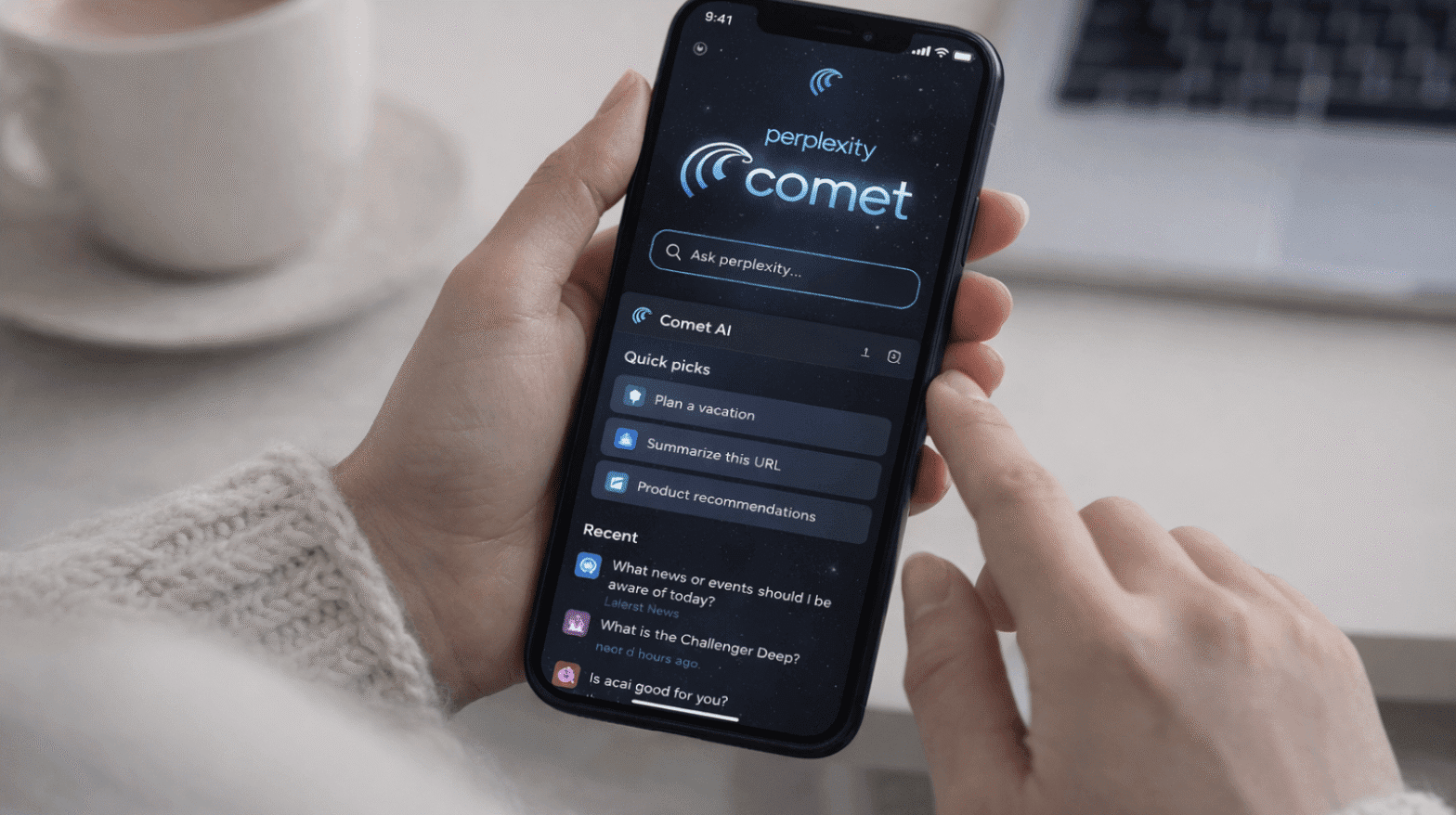
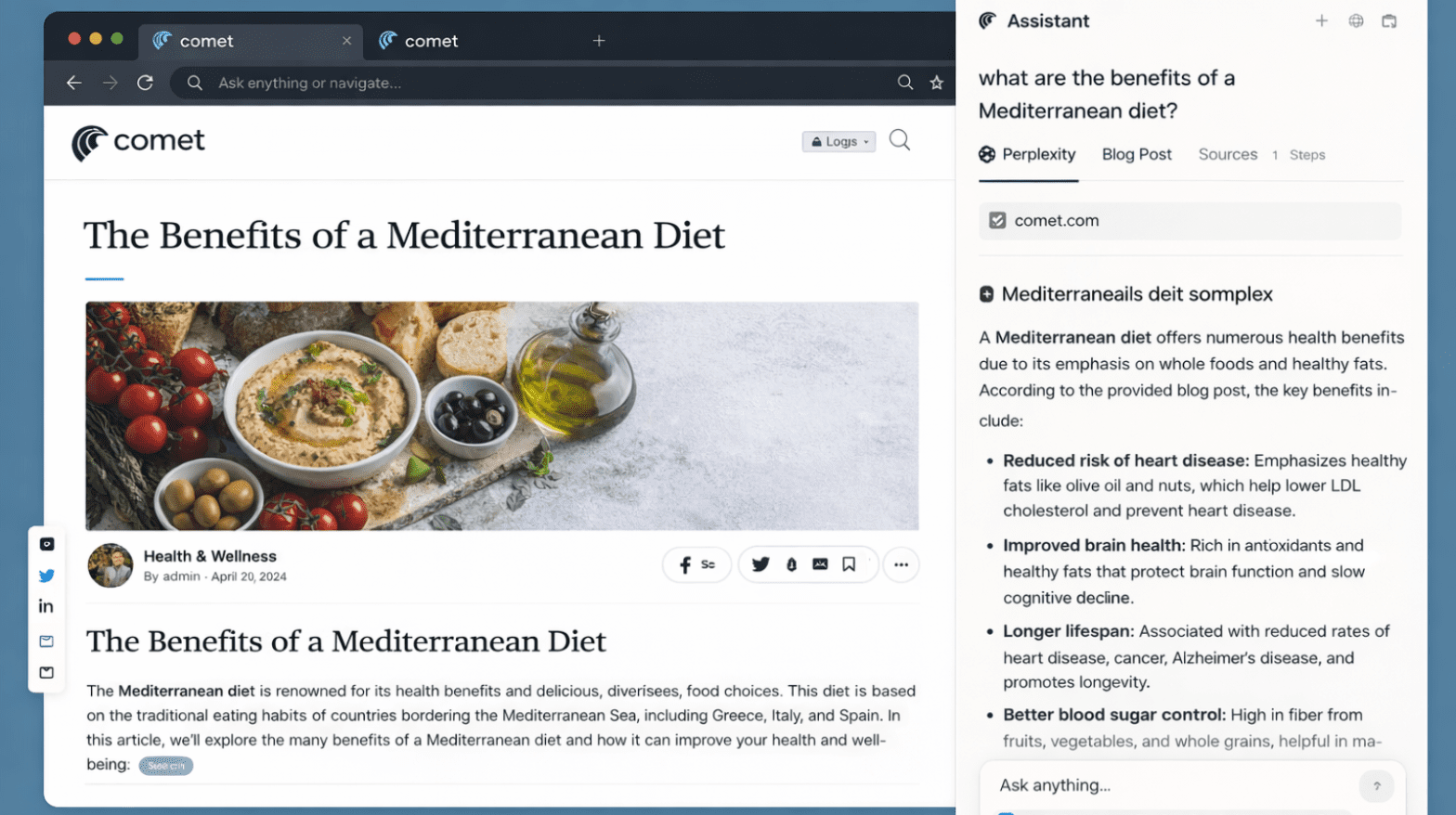


































































5 Productivity Workflows You Can Unlock with Comet’s AI Sidebar & Agent Model
24 Feb 2026 | By Varsha SinhaComet’s AI Sidebar analyzes while the Agent executes with approval. Use these five workflows to turn research into results- fast, citable, and policy-safe.
Perplexity Comet Search Optimization (PCSO): The New SEO Frontier
20 Feb 2026 | By Nishtha SharmaPerplexity Comet Search Optimization is about getting AI citations, not rankings. If your content is not well-structured, Comet won’t show your brand in search.
5 Reasons Why ChatGPT Atlas Could Replace Your Search Engine
19 Feb 2026 | By Tanisha DeyChatGPT Atlas can replace your search engine: 1. You get answers beside the page 2. You go from query to done 3. You keep a better focus