

The dashboard allows you to access all your projects at a glance. The dashboard is split into To-Do and Done tabs, to classify your ongoing and completed projects.
You can filter out any project you like using the handy search filters provided at the top of each tab. These search filters make it easy to navigate the dashboard.
The dashboard displays job cards with condensed task information, displaying the necessary information like the task name, content type, tonality, etc. Upon clicking on these condensed job cards, you can further access the entire job card with comprehensive task details and the uploaded task itself (if you are accessing the Done pile).


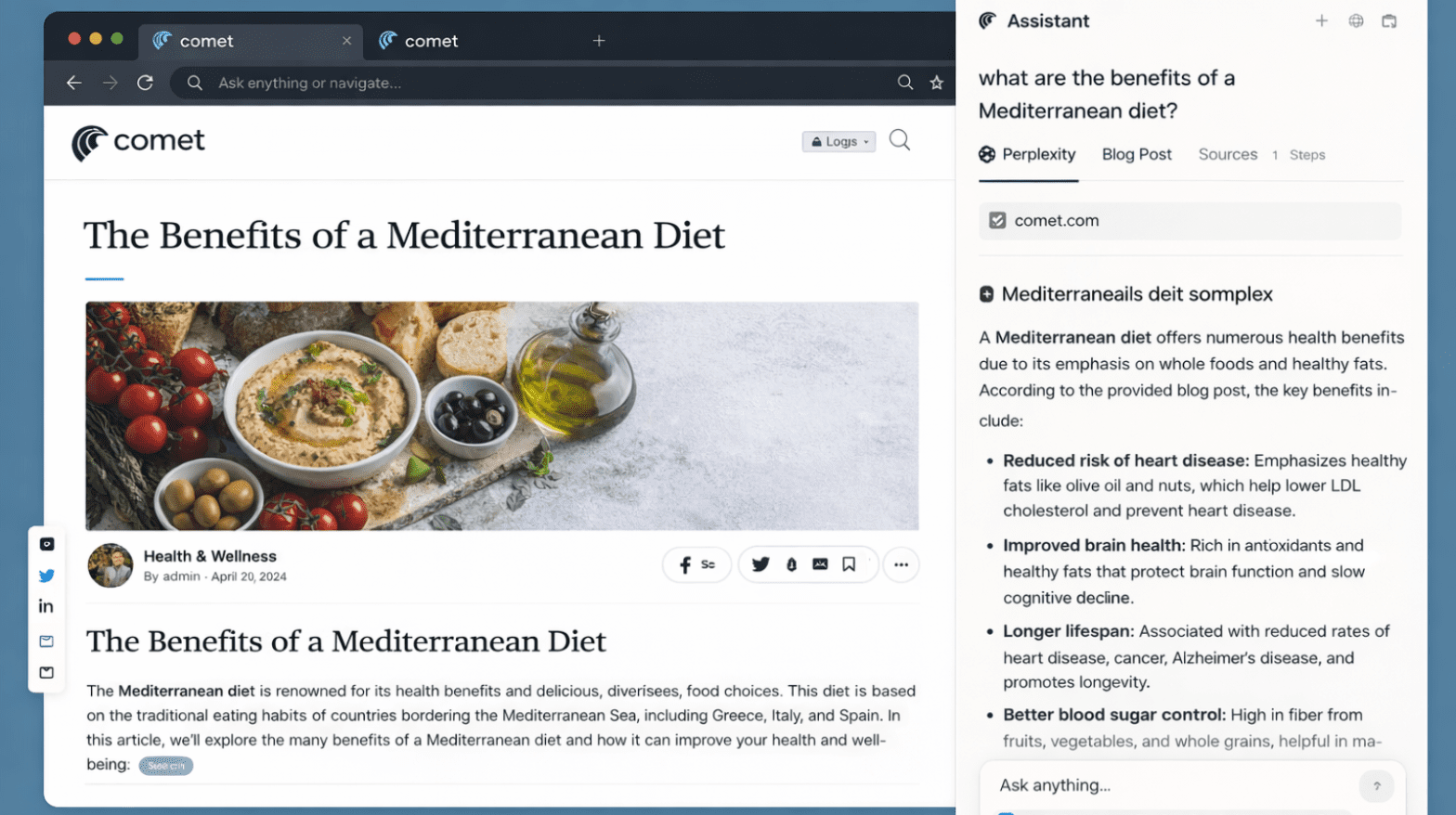

































































5 Productivity Workflows You Can Unlock with Comet’s AI Sidebar & Agent Model
24 Feb 2026 | By Varsha SinhaComet’s AI Sidebar analyzes while the Agent executes with approval. Use these five workflows to turn research into results- fast, citable, and policy-safe.
Perplexity Comet Search Optimization (PCSO): The New SEO Frontier
20 Feb 2026 | By Nishtha SharmaPerplexity Comet Search Optimization is about getting AI citations, not rankings. If your content is not well-structured, Comet won’t show your brand in search.
5 Reasons Why ChatGPT Atlas Could Replace Your Search Engine
19 Feb 2026 | By Tanisha DeyChatGPT Atlas can replace your search engine: 1. You get answers beside the page 2. You go from query to done 3. You keep a better focus