Key facts:
- Launch: July 9, 2025 (limited release). Free for all: October 2, 2025
- Chromium-based; supports most Chrome extensions.
- Agent actions: email replies, meeting scheduling, purchases—behind approval.
- Privacy: opt-out data use; granular controls in settings
- Security note: prompt-injection risks disclosed Aug–Oct 2025
You don’t lose time finding pages, you lose it in the space between “found it” and “sent it.”
Traditional browsers stop at display. You do the rest: summarizing, comparing, emailing, scheduling, often with a patchwork of extensions.
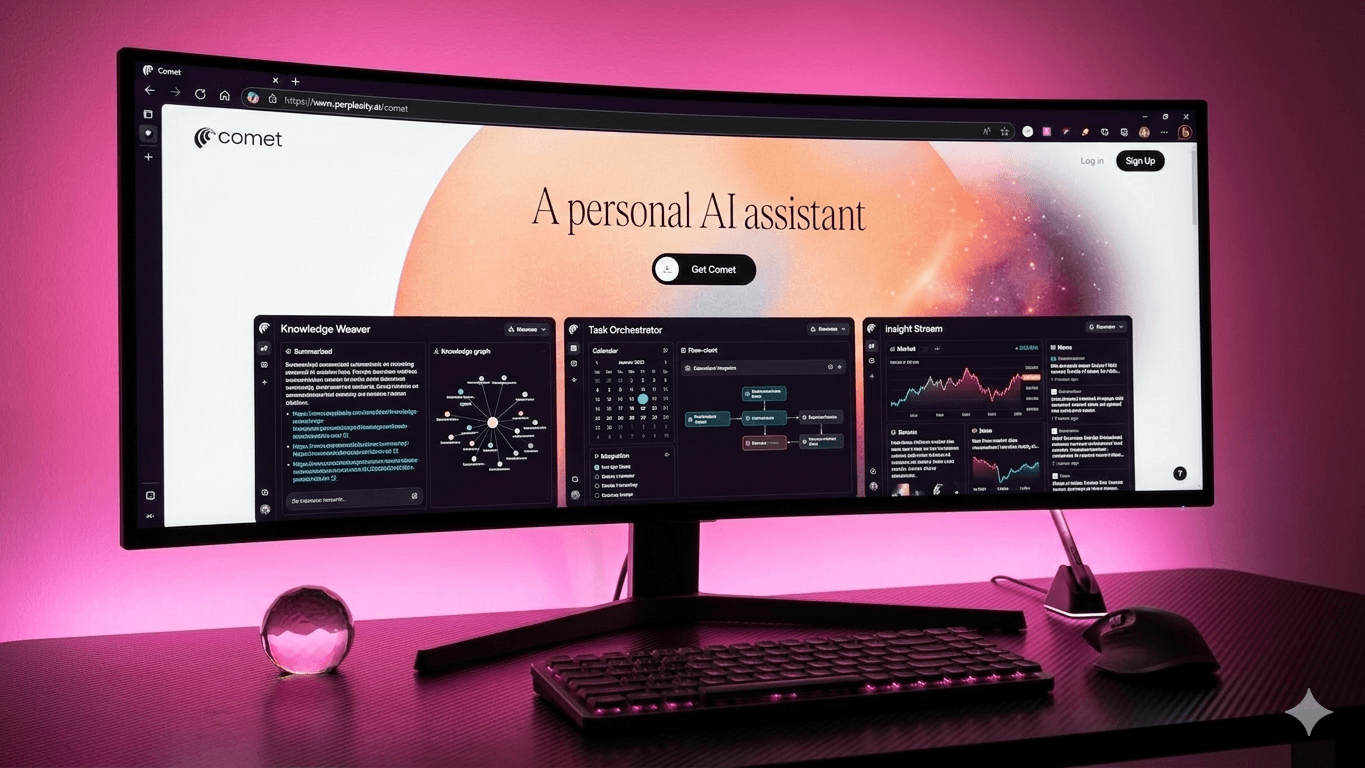
Perplexity’s Comet Browser closes that gap. It uses a Sidebar Assistant that reads the page you’re on, and an Agent takes important actions like sending an email or booking a meeting- with your approval. This blog breaks down how Comet redefines everyday browsing-what really changes when your browser can think, read, and act alongside you.
What actually changes when your browser thinks?
Traditional browsers just show you pages and you handle everything else. Comet changes that. It reads alongside you, then suggests or carries out next steps (with your approval): summarize, compare, email, schedule.
The shift isn’t visual; it’s behavioral. You move from “open another tab” to “move the work forward”- all while keeping your familiar Chromium setup and extensions intact.
Here are 10 practical differences you’ll feel from day one:
1. Assistant vs. search bar
Comet ships a page-aware Assistant in the sidebar. Ask it to summarize, extract entities, or compare vendors from the page you’re reading. Chrome/Firefox/Edge rely on extensions or external apps for this layer.
Edge’s new Copilot Mode narrows the gap, but it’s opt-in, experimental, and “free for a limited time.” Comet’s assistant is native and free.
2. Agent actions vs. manual steps
After analysis, Comet’s Agent can draft and send emails, propose times, book meetings, or purchase items- with explicit confirmation. In traditional browsers, you copy-paste between tabs or bolt on niche extensions. The difference is a single, controlled flow from reading to action.
3. One-view summaries vs. tab sprawl
Comet can summarize this page in one click, then refine in the sidebar. It’s ideal for RFPs, long docs, or product pages. Traditional browsers need a plug-in or off-site tool for the same step.
4. Shortcuts vs. one-off prompts
Comet lets you save reusable Shortcuts (e.g., “/tldr”, “/vendor-matrix”). They run anywhere in the browser and standardize team output. In traditional setups, consistency depends on docs and memory.
5. Same extensions, less friction
Because Comet is Chromium, most Chrome extensions install from the Chrome Web Store and work. You can keep password managers, SEO tools, and note apps- so rollout time is hours, not weeks. That parity is a key difference from non-Chromium ecosystems.
6. Privacy controls you can explain
Comet’s privacy notice spells out how interaction data is used and how to block data from improving models, plus granular deletion controls.
Traditional browsers vary: Firefox leans aggressive on tracker blocking by default; Chrome depends on user configuration and extensions. For legal reviews in the US/EU or workflows in India/UAE, having clear toggles matters.
7. Pricing reality vs. add-ons
On October 2, 2025, Comet became free for everyone on Mac and Windows. Edge Copilot Mode is free “for a limited time” and may change; many Chrome AI helpers are paid extensions. Comet’s zero-license entry price invites 30-day pilots without procurement drama.
8. Security posture vs. status quo
Agentic browsing creates new risks like indirect prompt injection and screenshot-based attacks. Brave’s disclosures in August and October 2025 document real vectors. The mitigation isn’t “don’t use AI.”
It’s governance: human-in-the-loop for sensitive actions, no autonomy on finance apps, and pinned privacy defaults. Traditional browsers don’t need these policies because they don’t act on your behalf; Comet can- so you set guardrails.
9. Import vs. rebuild
Comet’s Quick Start flow imports bookmarks, history, passwords, preferences—and even extensions at setup or later. Traditional migrations often stall here. Less friction means faster adoption across pods.
10. The net effect: completion
Traditional browsers present pages. Comet helps finish tasks. In daily practice that means: research briefs with citations, vendor matrices you can email, meeting prep from your open tabs, and replies that include proposed times without bouncing apps. That “completion” orientation is the structural difference.
Final thoughts
Comet feels like Chrome but works like a teammate. The Assistant reads what’s on the page and the Agent acts with your approval. You can also bring your extensions, import your setup, and define clear usage policies.
If your team wastes hours and hours on tabs and progress feels delayed, Comet offers a smarter default. Start small, pilot it with your research, content, and partnerships pods, then scale across workflows once it sticks.
Looking to secure first-mover visibility? Connect with WrittenlyHub, a full-stack marketing agency that’s helped over 30 brands lead in AI overviews and LLM-generated results.
FAQs
Is Comet really free now?
Yes, since October 2, 2025, Comet is free for all users on Mac and Windows
Does Comet support Chrome extensions?
Yes, it’s Chromium-based and supports most Chrome extensions via the Chrome Web Store
Can Comet send emails and schedule?
Yes, with explicit confirmation via the Agent; emailing and booking are documented features.