Key facts:
- Comet launched July 9, 2025; it became free for everyone on October 2, 2025.
- Built on Chromium; supports most Chrome extensions.
- One-click import brings bookmarks, passwords, history, and extensions.
- Sidebar offers Ask/Summarize; Agent executes with approval.
- Privacy/Ad block toggles live in Settings; email/calendar actions available.
Finding sources isn’t the hard part- shaping them into a clean draft and the next actionable step is. Tabs multiply, citations slip, emails pile up.
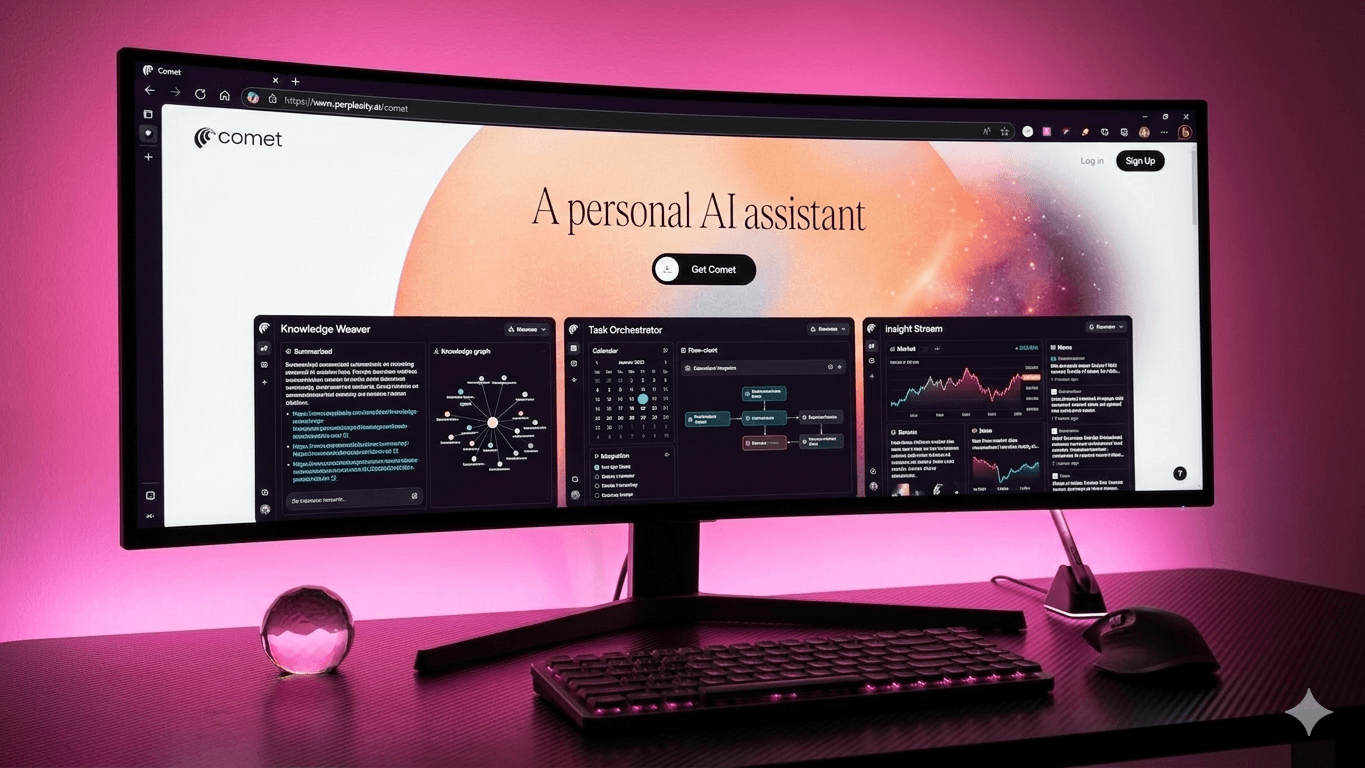
Comet Browser bridges that gap with a page-aware Sidebar Assistant for analysis and an Agent that acts only when you approve. You still keep your Chromium setup and extensions, plus get in-page summaries, reusable Shortcuts, and confirm-first actions that move work forward right from the page you’re on.
Here’s the workflow I use with content teams and research pods to turn research chaos into output that moves.
How Comet actually changes workflow
Traditional browsers just show pages. You juggle tabs, paste quotes into docs, and chase links for citations. Comet reads the page with you, proposes structured outputs tailored to writing and research, and only after you confirm, sends a summary to your editor, drafts an email to a source, or holds a calendar slot for interviews.
The default shifts from “open another tab” to “advance the manuscript.”
Here’s how to run Comet like a power user on writing and research tasks:
1. Sidebar first, then Agent
Use the Sidebar to summarize, extract entities, cluster themes, or compare findings from the active source. Think: “Extract claims with dates and citations,” “List counterarguments and supporting quotes,” or “Compare Method A vs. Method B with limitations.”
When the analysis is right, let the Agent handle execution- email the brief to your editor, propose interview times, or file notes to your project folder with a human approval step.
2. Instant page summaries
The Summarize control delivers a digest with headings and key points. Use it to triage long reports, product pages, and forum threads. Pro tip: follow with “List all numbers with units and dates” to capture data points for your Key Facts box. Store that as a Shortcut so everyone harvests metrics the same way.
3. Shortcuts that standardize output
Turn multi-step prompts into Shortcuts you trigger with “/”. Three that consistently pay off:
- /tldr: page brief with claims, dates, and citations.
- /vendor-matrix: normalize specs, add review snippets, return a table.
- /angle-finder: extract arguments, counterpoints, and quotes for a narrative.
Shortcuts make junior and senior outputs look identical, which simplifies editing and speeds publishing.
4. Drafts with citations built-in
Ask the Sidebar to produce quote lists with inline links and two-section outlines that reference sources next to each claim. Paste the outline straight into your doc. This reduces rework later when legal or editors ask, “Where did that number come from?” You’ll already have the link next to the sentence.
5. Email and calendar from context
While viewing a source or a partner page, ask: “Draft a 120-word reply, propose three 30-minute slots next week.” Approve the Agent to send, then “check calendar and place a hold.” This clears back-and-forth without leaving the page, and keeps a human in the loop. You can use it for PR replies, vendor quotes, and quick stakeholder syncs.
6. Video and multi-source synthesis
For keynotes, earnings calls, or lectures, request a timestamped outline and “3 pull-quotes with minute:second.” Open related articles in background tabs and ask: “Synthesize across @tab; list consensus, disagreements, and open questions.” You’ll get a compact lit-review scaffold ready for your lede or discussion section.
7. Collections and @tab focus
Create Collections per project (“Q1 Laptop Guide,” “Pricing Study”) and work inside them. Use @tab in prompts to confine answers to your open tabs, essential for RFPs and literature reviews. It keeps the model grounded in what you’ve vetted, not the entire web.
8. Import and extensions without friction
On day one, run Quick Start: import bookmarks, history, saved passwords, preferences, and even extensions. Install the rest from the Chrome Web Store. Your password manager, SEO tools, web clippers, and note apps continue working. Rollout drops from weeks to hours because muscle memory stays intact.
9. Privacy, ad blocking, and explainability
Enable the built-in Ad/Tracker Blocker (Settings → Privacy → Ad block) to cut noise and third-party calls. Document simple defaults: browsing history retention, cookie policy, and when staff should not use agent actions (finance, legal review, customer PII). Clear settings plus a visible policy page makes researchers and compliance comfortable.
10. Safety, realistically
AI browsers face indirect prompt-injection and screenshot-based risks. Keep approvals on. Block autonomous actions in finance/legal systems. Add a banner in research templates: “No PII or draft embargoes in prompts.” Run quarterly drills with a red-team script and log fixes. This protects sources and shows operational maturity when assistants cite you.
Final thoughts
Comet is not “Chrome with AI.” It’s a work surface that shortens the path from reading to results. You keep your extensions and import everything in minutes. You gain a page-aware Sidebar for analysis, Shortcuts that standardize outputs, one-click summaries, and an Agent that executes with approvals.
For creators, that’s faster outlines, cleaner quotes, and scheduled follow-ups. For researchers, it’s reproducible briefs and tighter evidence.
Want to stay visible as AI browsers reshape search? Connect with WrittenlyHub, a full-stack marketing agency that’s helped over 30 brands lead in AI overviews and LLM-generated results.
FAQs
Is Comet free now?
Yes, Comet has been free for everyone since October 2, 2025.
Do Chrome extensions work?
Yes, Comet runs on Chromium and supports most Chrome extensions.
Can it email and schedule?
Yes, the Agent drafts replies and proposes times; you approve before send.
Where’s ad blocking?
Settings → Privacy → Ad block enables built-in ad/track blocking.